Now on the Mac App Store

Capture, mark up, and explain screenshots faster on Mac.

Annotateshot is a local-first menu bar app for turning raw screenshots into clear visual feedback with numbers, arrows, text, mosaic, spotlight, magnifier, and one-click handoff.
macOS 14+ 1.3 MB No account Local-first editing Copy, save, or pin
Annotateshot for Mac editor showing numbered callouts, highlights, and an arrow annotation
Real app capture, not a mockup. Generated from the same product screenshots used for the Mac App Store submission.
Workflow

From screen to shareable explanation in seconds.

Annotateshot keeps the common screenshot loop compact: capture what matters, mark the important detail, protect private information, then send the result wherever the work is happening.

01

Capture

Start from the menu bar and grab the exact region you need.

02

Annotate

Add numbers, arrows, text, highlights, shapes, emoji, and cursor stamps.

03

Protect

Use mosaic and spotlight when a screenshot includes private details.

04

Share

Copy, save, or pin the final image without breaking your flow.

Real Product Shots

The app is built around the exact moments screenshots need help.

Capture the precise region.

Start with selected-area capture and keep the target area clear before the editor opens.
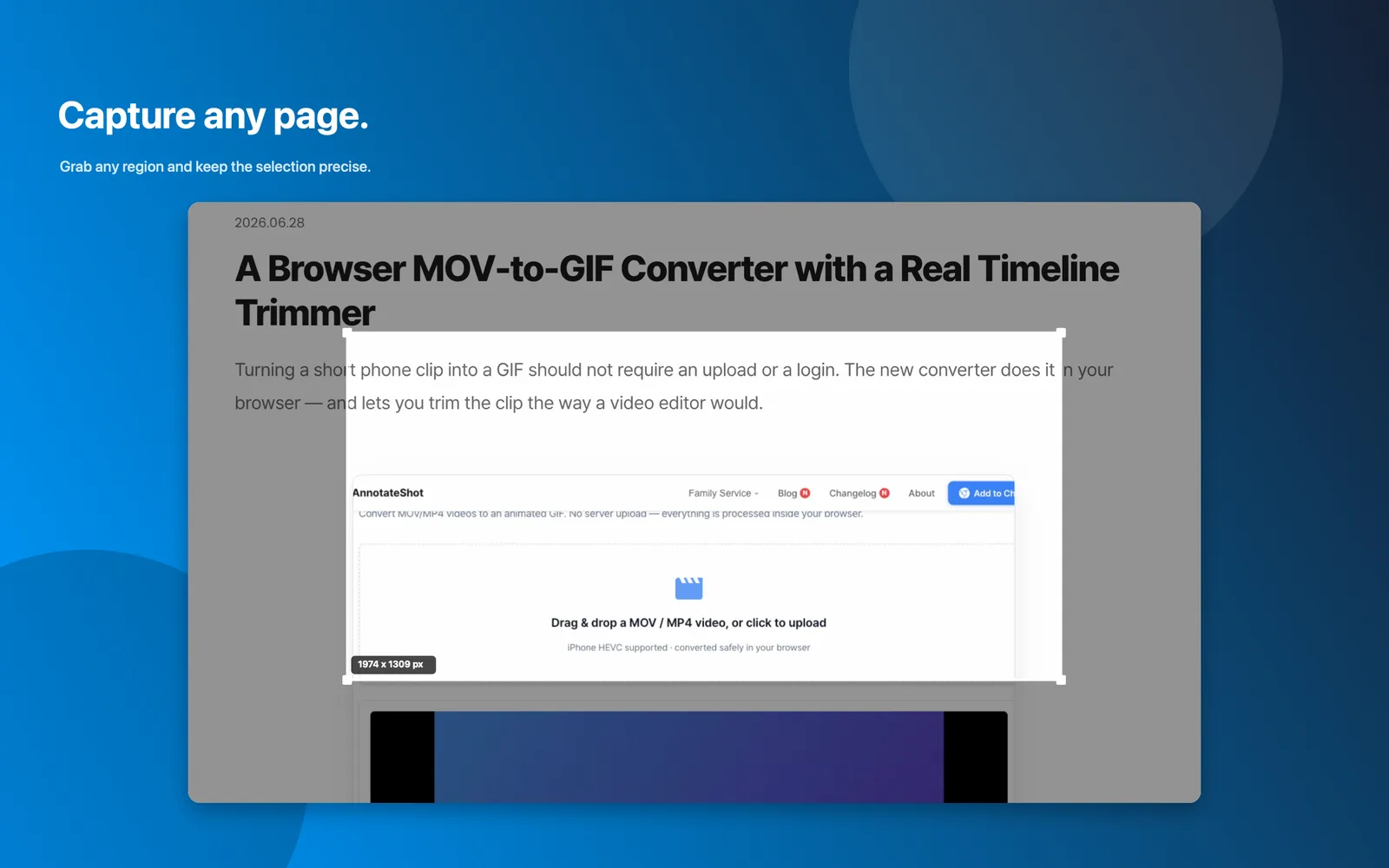
  • Menu bar capture flow for fast starts.
  • Precise selected regions for product reviews, docs, and QA evidence.
  • No upload step before editing.
Annotateshot capture overlay selecting a precise region on a sample page

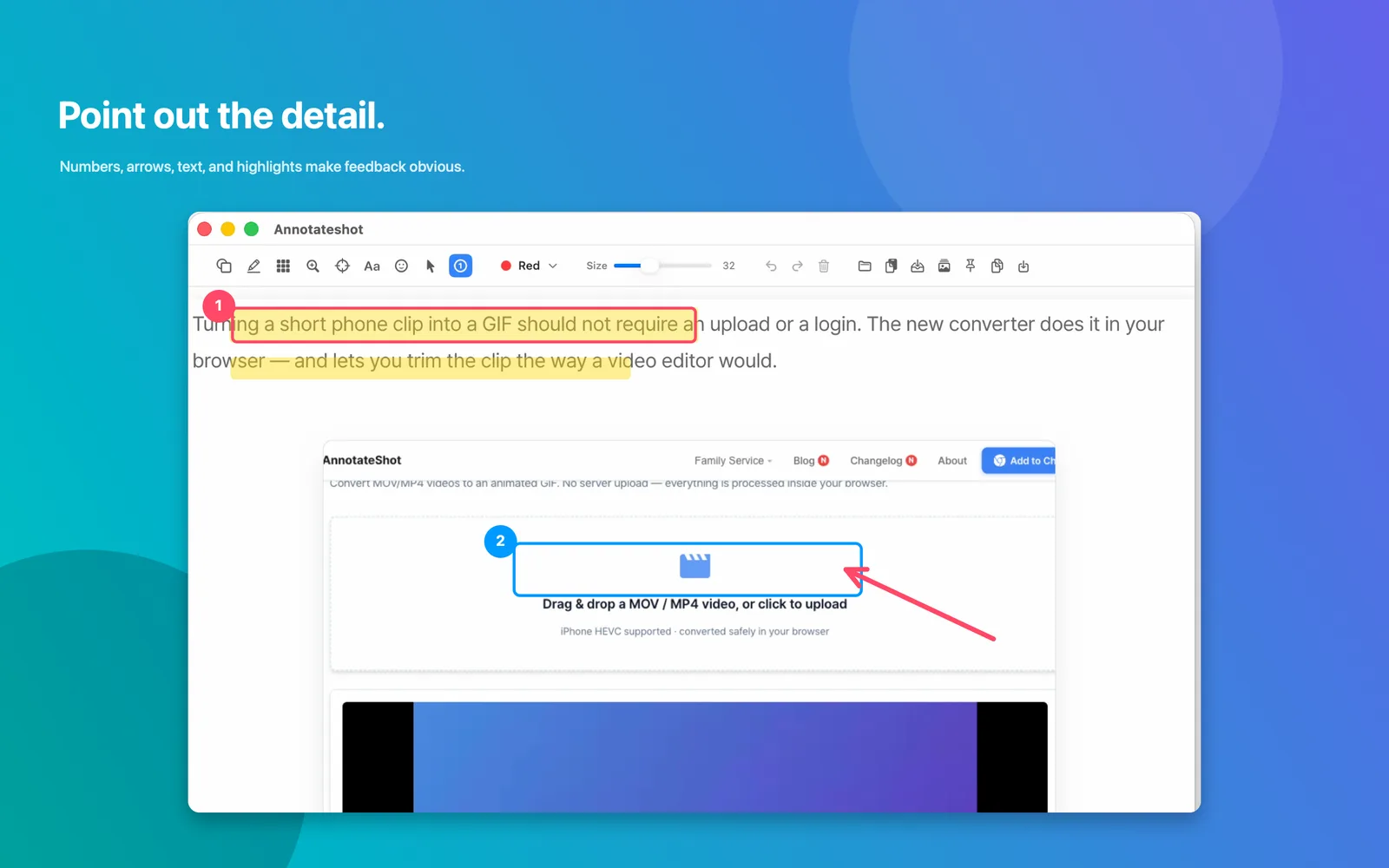
Make feedback impossible to miss.

Use numbered callouts, arrows, text, and highlights when the recipient should understand the point at a glance.

  • Numbered markers for step-by-step feedback.
  • Arrows and rectangles for direct visual attention.
  • Text labels when a screenshot needs context.
Annotateshot editor with numbered markers, highlight rectangles, and arrow annotation

Hide sensitive information before sharing.

When a screenshot includes names, IDs, customer data, or internal copy, apply mosaic while the surrounding page remains readable.
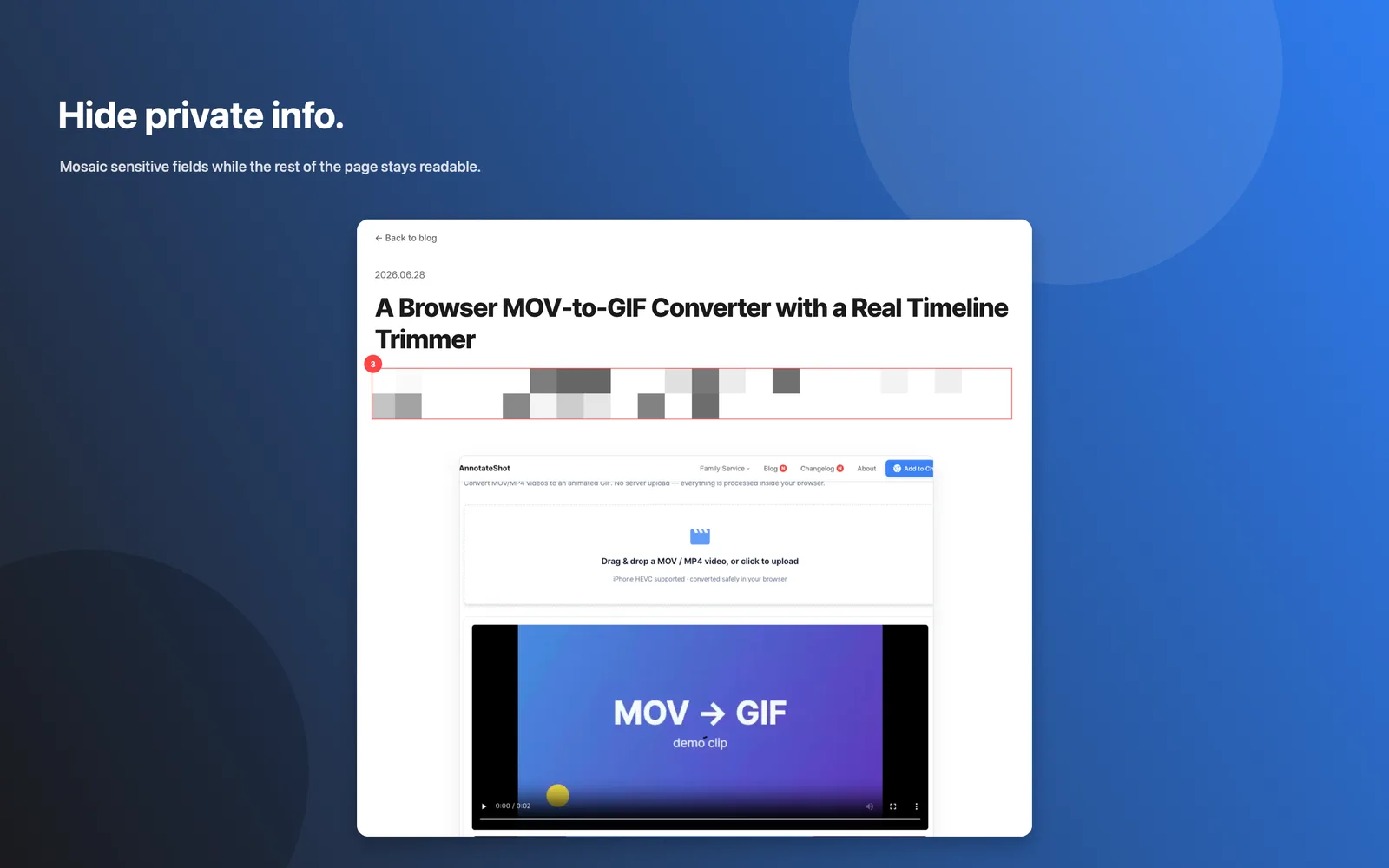
  • Mosaic private fields locally on your Mac.
  • Keep the rest of the screenshot understandable.
  • Useful for support, dashboards, customer examples, and release notes.
Annotateshot screenshot showing mosaic applied to sensitive text fields

Focus attention on tiny UI details.

Spotlight and magnifier tools help teammates see the exact text, control, or state you are talking about.
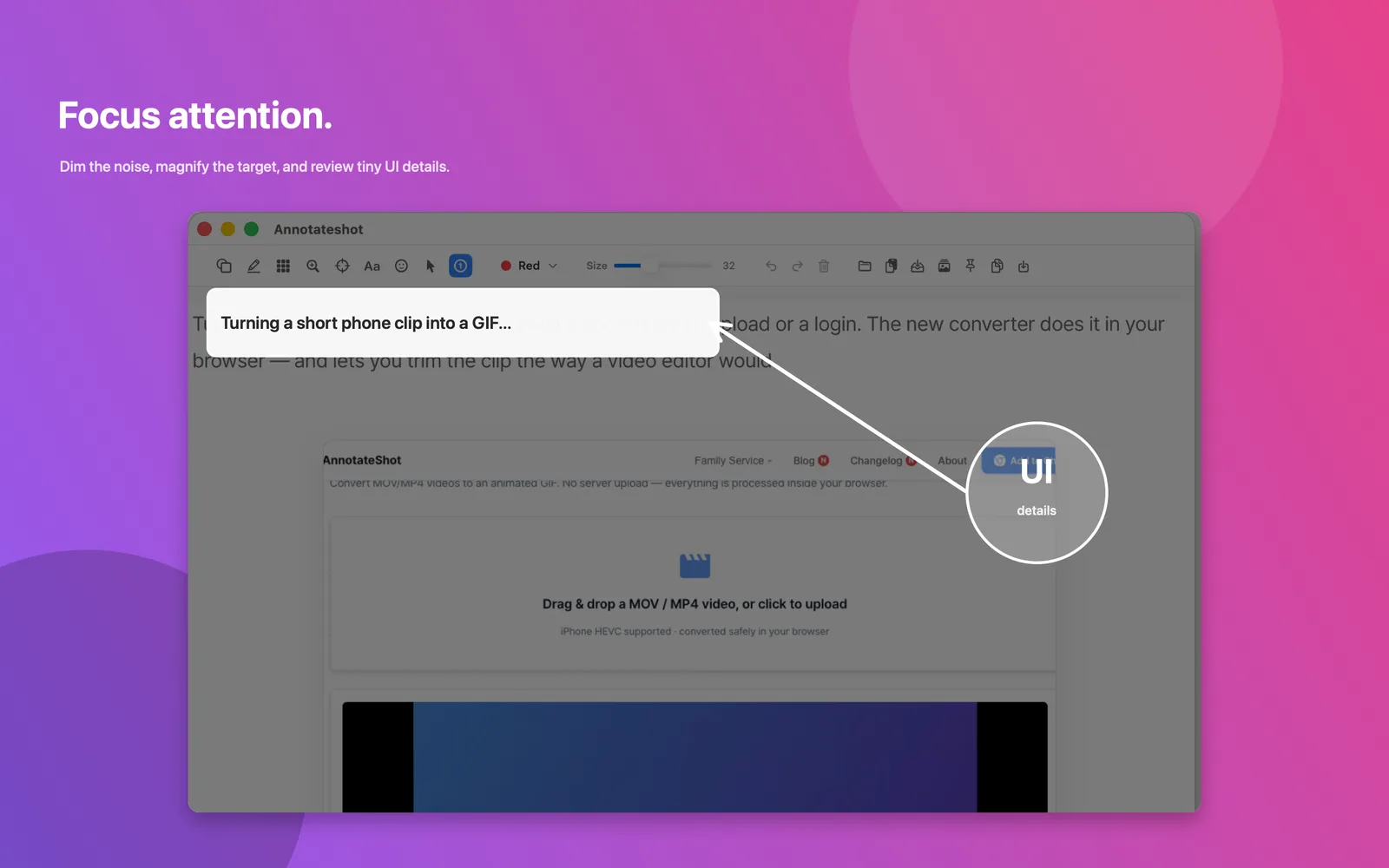
  • Dim background noise while keeping the target readable.
  • Magnify small labels, icons, and controls.
  • Great for bug reports and design reviews.
Annotateshot spotlight and magnifier callout focusing attention on a tiny UI detail

Finish with the handoff you need.

Copy the final image, save a PNG, or pin the annotated screenshot above other windows while you keep working.
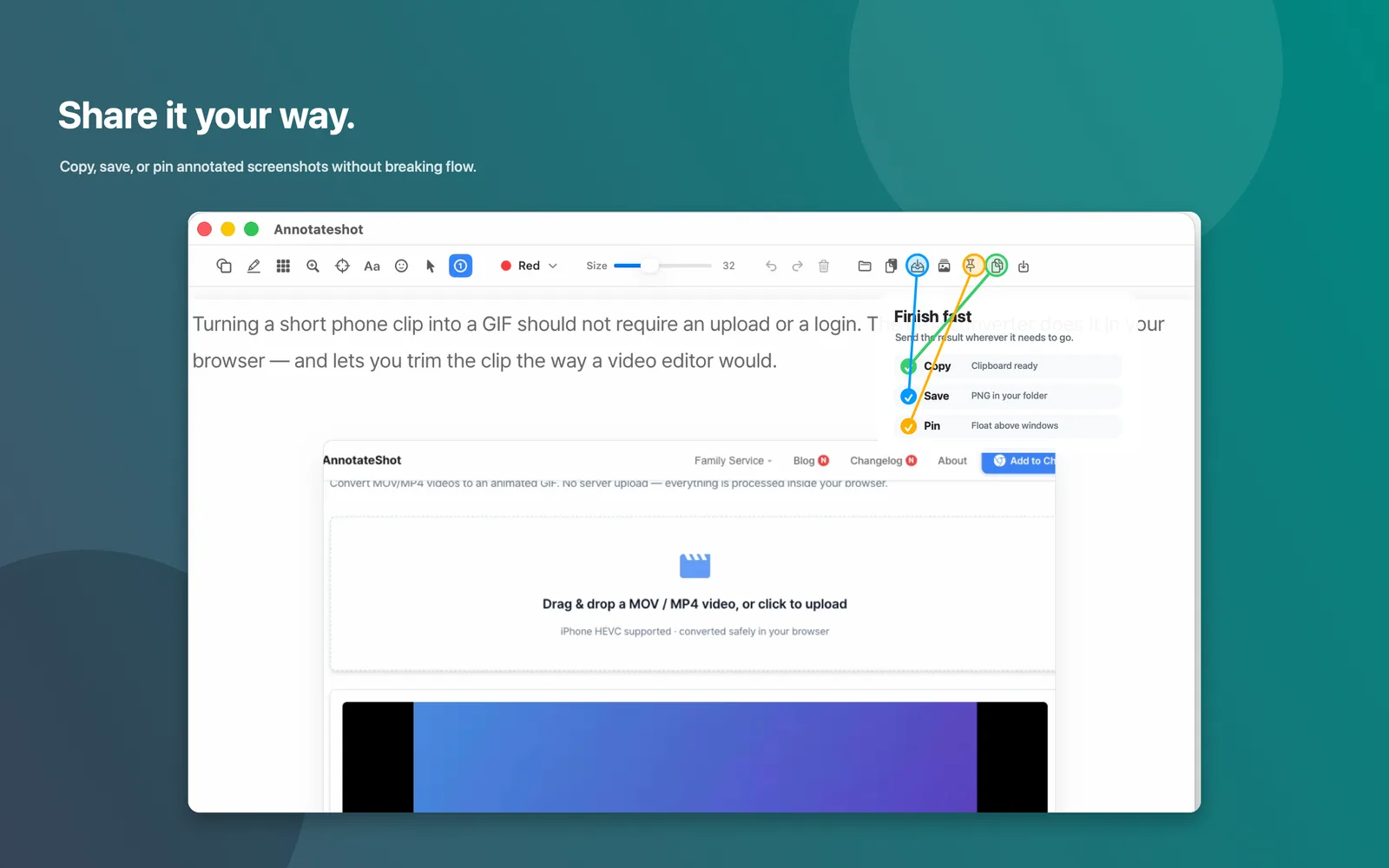
  • Clipboard-ready output for chat, docs, and issues.
  • Save PNGs into your chosen folder.
  • Pin references as floating always-on-top screenshots.
Annotateshot toolbar showing copy, save, and pin handoff options
Use Cases

For the moments when words are slower.

Developers and QAPoint to the broken state, number the reproduction steps, and attach a clearer bug report.
Product and design teamsHighlight a UI issue, compare options, or mark the part of a flow that needs feedback.
Support teamsShow customers exactly where to click while hiding private account details.
Indie makersPrepare release notes, docs, and launch posts with crisp annotated screenshots.

Ready when a screenshot needs one more layer of explanation.

Annotateshot for Mac requires macOS 14 or later and is available now on the Mac App Store.