2026.08.29
Settings That Stay in Sync with Your Annotations
AnnotateShot 4.5.1 makes saved annotation preferences dependable at a glance.
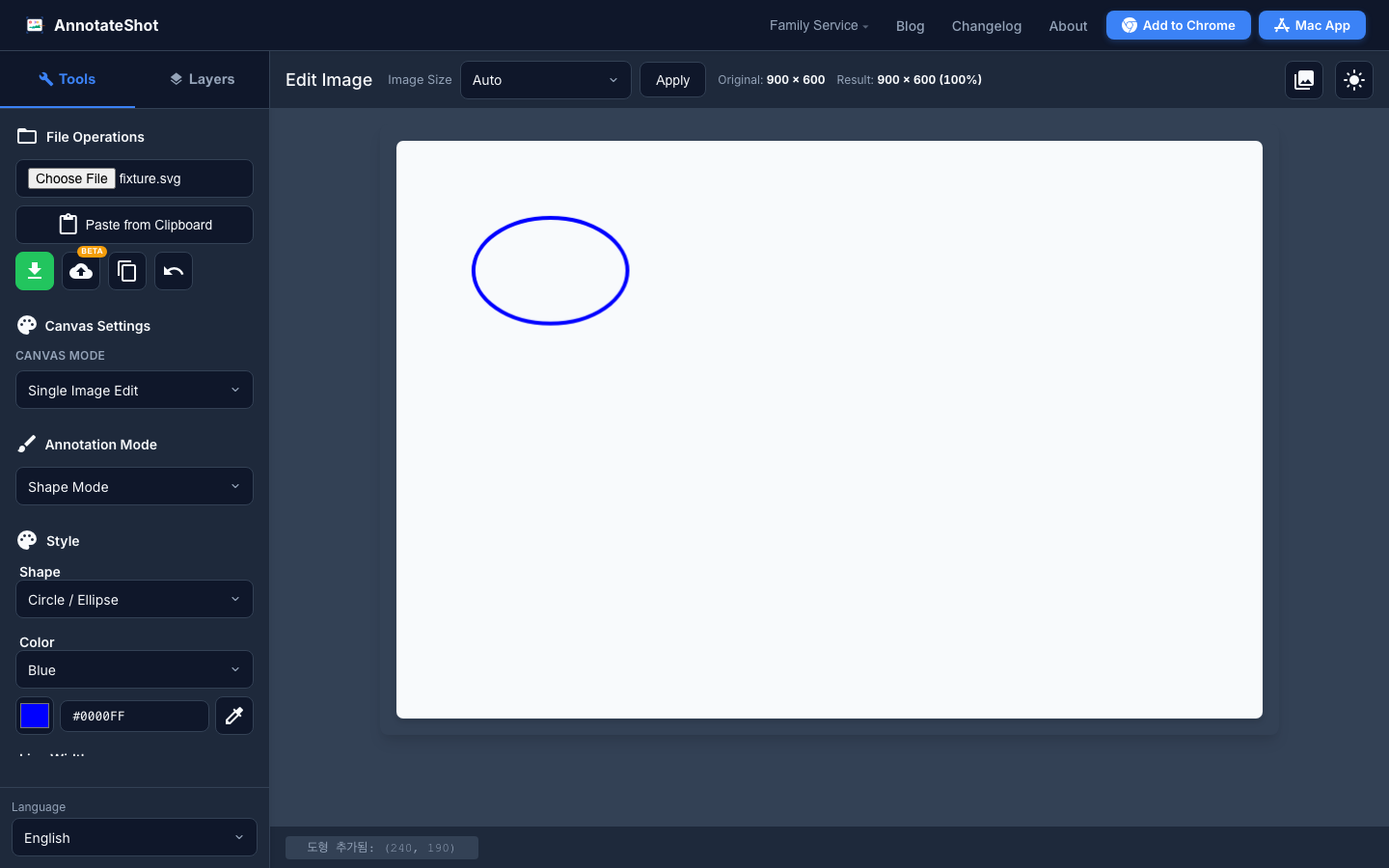
Fast screenshot feedback depends on trust. When you reopen AnnotateShot, the color, shape, fill, and line width visible in the sidebar should be the same settings used for your next mark.
AnnotateShot 4.5.1 closes that gap. Restored preferences now refresh the visible custom controls as well as the editor state. If your last workflow used a blue mosaic circle with a thick outline, that is what you see before drawing and what the editor applies next.
We also improved the fill menu in shorter desktop windows. When there is not enough room below the control, the menu opens upward inside the available sidebar space instead of hiding options behind the language selector.
These refinements are especially useful when you return to a review after a break, switch between product screenshots, or need to make several annotations with a consistent visual treatment.