2026.07.22
Tiger Labs Is on YouTube, Starting with AnnotateShot
Tiger Labs has a new YouTube channel, and the first Short introduces AnnotateShot in 30 seconds: upload a screenshot, mark it clearly, and share better visual feedback.
Tiger Labs is now on YouTube. The channel is starting small, practical, and product-first: short videos about the tools we build, the problems they solve, and the workflows they make a little less annoying.
The first video is a quick promotional Short for AnnotateShot. It shows the core idea in half a minute: take a screenshot, add clear visual notes, number the important parts, and turn vague feedback into something a teammate, client, or future-you can understand at a glance.
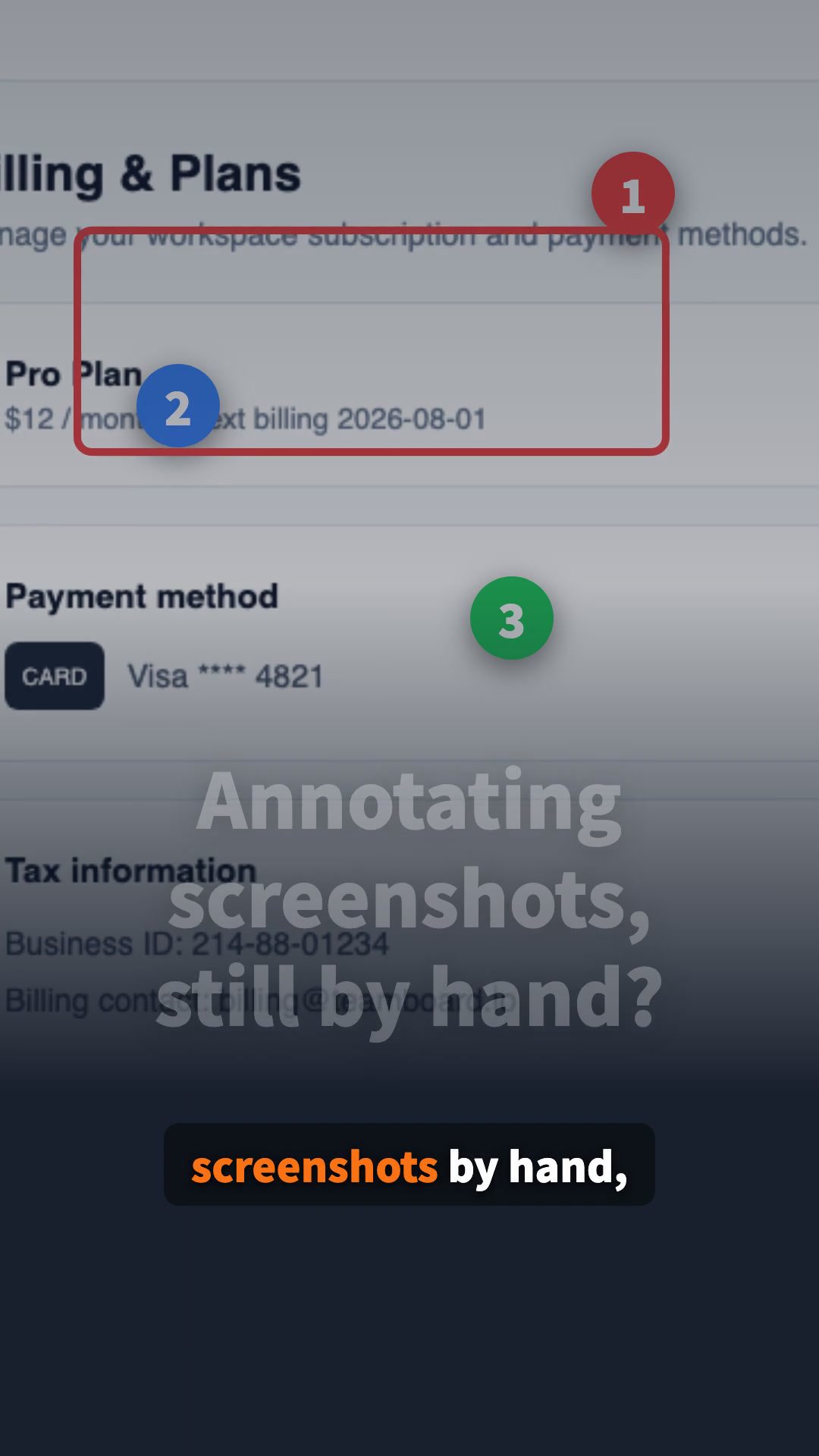
Why a channel?
Some products explain themselves best when you see them move. AnnotateShot has a lot of small interactions that are easier to understand in motion: dragging labels, drawing arrows, highlighting areas, resizing images, and exporting clean annotated results. A YouTube channel gives us a place to show those flows quickly instead of asking people to read a manual first.
The plan for Tiger Labs is simple: publish concise product demos, release highlights, and workflow tips for AnnotateShot and the other small tools we are building. Not long lectures. Just useful clips that help people decide, in a few seconds, whether a tool belongs in their daily workflow.
Watch the first Short
You can watch the first video on the new Tiger Labs channel here:
The channel is here:
https://www.youtube.com/@TigerLabs-ww
If you find AnnotateShot useful, a view, like, comment, or subscription would mean a lot. More demos are coming.